
This guide explains how to install AirFrame Loadmaster on a macOS workstation. Connect is the Media-Anywhere desktop application that installs and manages the AirFrame.One plugin and Panel for Adobe Premiere Pro.
Before you start, make sure your system meets the requirements listed in Supported & Recommended Platforms. You need administrator rights on your Mac to complete the installation.
Installation steps
- Download the AirFrame Connect
.dmgfile using the download link provided by Media-Anywhere, then open it.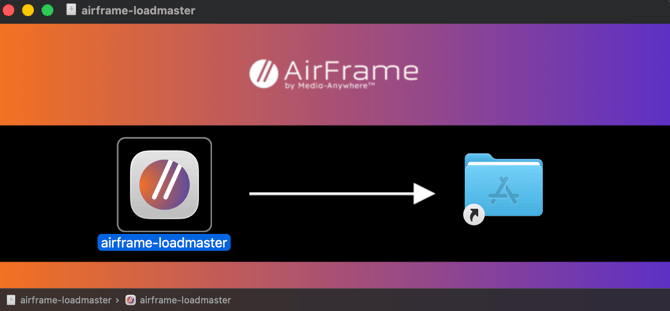
- Drag airframe-connect into the Applications folder shown on the right.
- Open the Applications folder and double-click airframe-connect.
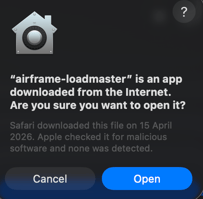
- macOS asks you to confirm that you want to open an application downloaded from the internet. Click Open to continue.
- The Connect icon appears in the menu bar at the top of your screen.

- Click the icon to open the Connect window.
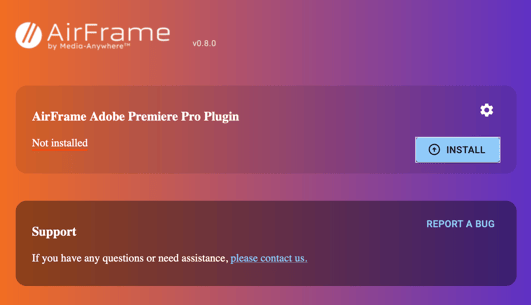
- Click Install to install the AirFrame.One plugin.
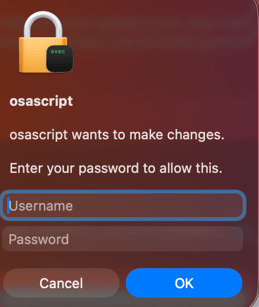
- Enter your administrator credentials when prompted. These are required because the plugin is installed into a system location used by Adobe Premiere Pro.
- After the installation completes, the Connect menu shows the plugin version installed on your system.
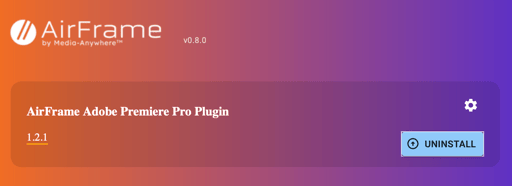
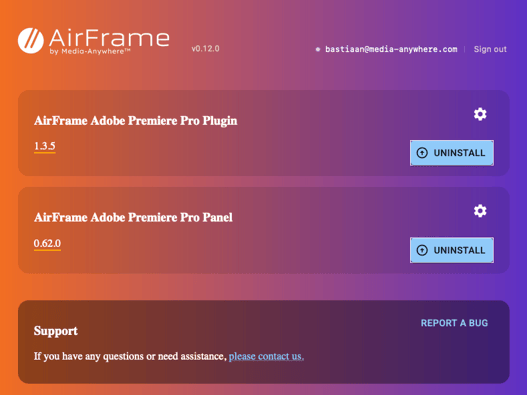
- Repeat steps 6 to 9 to also install the AirFrame.One Panel. Once both installations are complete, the Connect window shows the installed Plugin and Panel versions:
Next steps
Continue with Getting started with the AirFrame.One panel to sign in and link your first media.
In case of any additional questions, please contact our support team at support@media-anywhere.com.